# Profile
This is where you set all your profile information from your "Referral Alias" that was teased in [token-socials-and-referrals](https://alphas-alpha.gitbook.io/apefactory/launch-a-meme/token-details/token-socials-and-referrals "mention") or editing information on your Creations.
{% hint style="info" %}
Updating information on the [#details](#details "mention") page will trigger a transaction in your wallet.It is a Gas-free transaction as it is only a message to sign.
{% endhint %}
{% tabs %}
{% tab title="Creations" %}
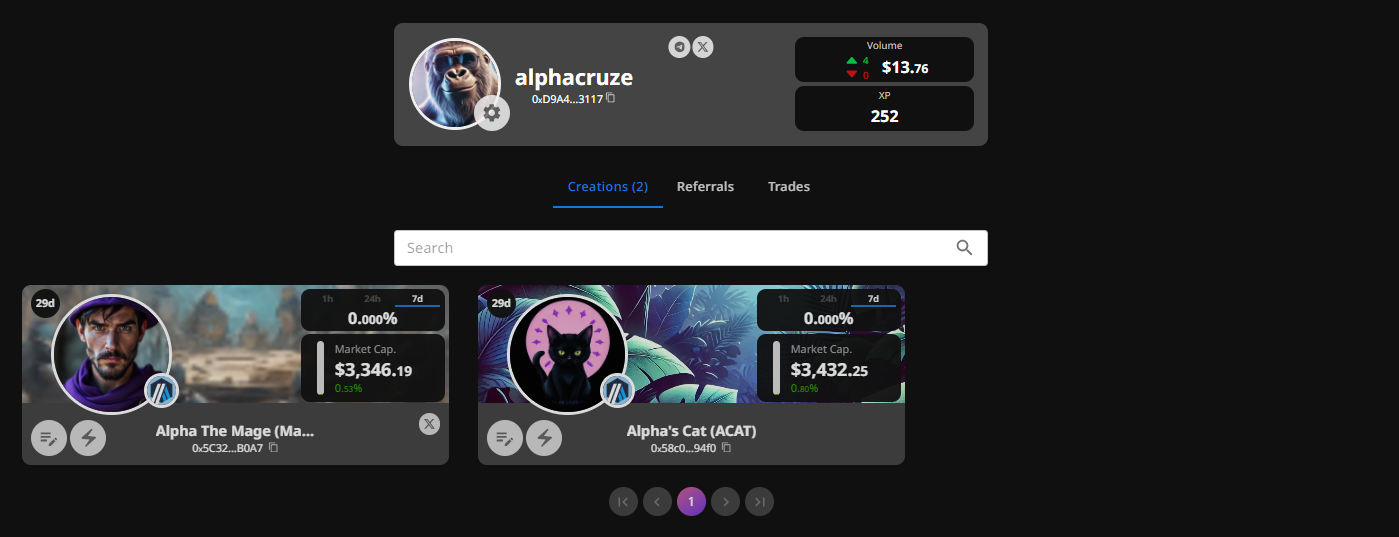
This section shows all the tokens you have deployed.
\
You can search for a specific token or scroll through the list looking at the information regarding each token such as:
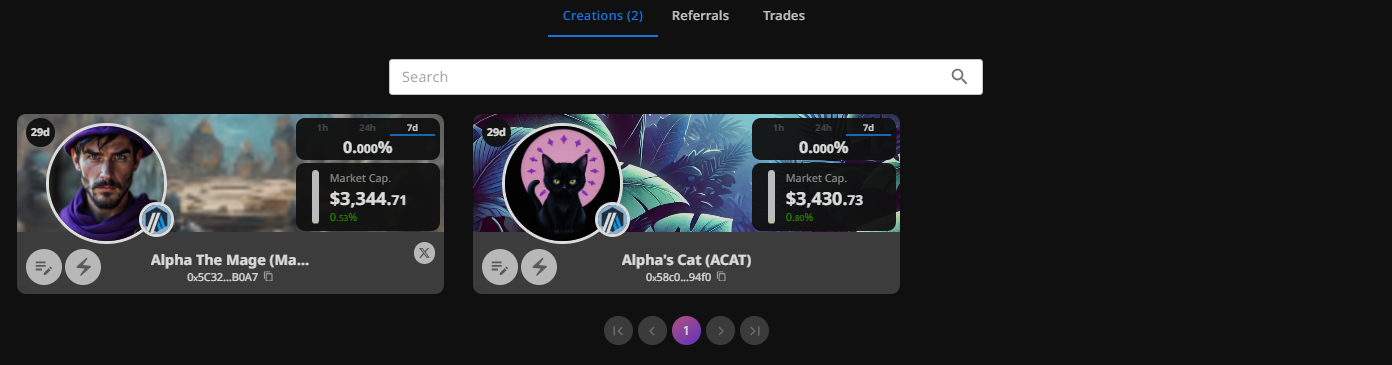
The time since Deployment, Name of the token (and it's Ticker), Contract Address, icon, the chain it was deployed on, it’s market cap, and % increase in value over 1h, 24h, and 7d periods.
It also allows you to edit the details of a token or choose to boost a token for a fee.
{% endtab %}
{% tab title="Referrals" %}
This section shows all the tokens that have been deployed using your referral link. Information displayed includes:
* Icon of token
* Chain of deployment
* Name and Ticker of token
* How much you have made in referral fees
* Contract Address\
\
This is also the page where you would find your Referral link.
{% endtab %}
{% tab title="Trades" %}
This section shows a list of all tokens bought on ApeFactory. Information displayed includes:
* Date (UTC)
* Token
* Type (Buy/Sell)
* Gas value
* USD value
* Tokens bought
* And link to txn on explorer
{% endtab %}
{% tab title="Profile Details" %}
Clicking on the gear icon on your profile icon, will bring up this page!
\
\
Here you can find all your personal information and set your socials links.\
\
You can add links for:
* X (\)
* Telegram (\)
* Website link
\
You can also set your TG @ which will allow you to interact with @ApeFactoryBot. This will let you set up a "buy bot" announcer for your group.
{% hint style="info" %}
When adding or changing information on the Details screen, you will have to sign a message in your wallet to confirm that the information can be changed.
{% endhint %}
{% endtab %}
{% endtabs %}